
Changing Fonts in ggplot2 with Extrafont
18 January 2022

Install the package
Install the extrafont package as normal from CRAN using:
1install.packages("extrafont")Then simply load the package and collect fonts.
1library(extrafont)Import fonts
You can do this by simply calling the font_import function. Note below that I have set prompt to FALSE, to ensure that when I run the whole R script it won’t stall awaiting confirmation. Additionally, I’ve set the pattern to ‘calibri’. This makes sure my import only looks for fonts where ‘calibri’ appears in the filename for the font. This might seem a bit limited, and of course you don’t need to specify the files — but the import can take quite a long time on a Windows machine if you don’t!
1font_import(prompt = FALSE, pattern = "calibri")At this stage, you may want to do a quick check of the available fonts using the fonts function:
1fonts()The last stage of the import, and one that is often forgotten, is that you must then register the font to be used with the required output device. This MUST be run whenever the R session is restarted — so important to have in a repeated script:
1loadfonts(device = "win")At last! Our font is loaded! We can check to make sure it’s an option using:
1windowsFonts()Call font in ggplot2 theme
Now we can simply call the font when setting theme elements. The code chunks below show examples of setting the font at either the top level (setting base_family) or for a unique element (family inside a text element).
1+ theme_minimal(base_family = "Calibri")
2+ theme( plot.title = element_text(family = "Calibri") )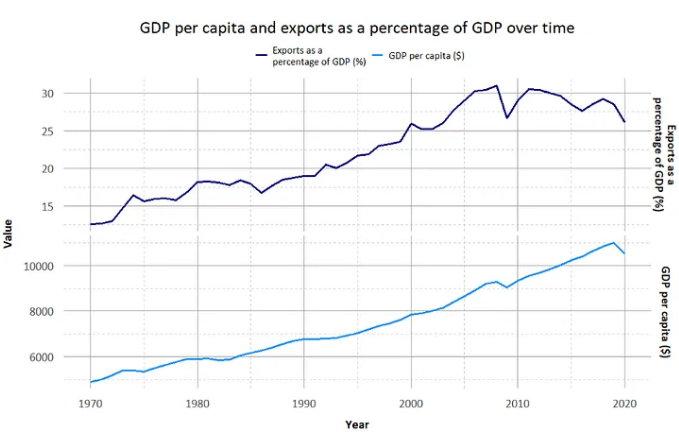
Enjoy making prettier graphs!